

Match video analysis
Import footage from matches, training or individual sessions and work with an interface built for coaching staff. Play, review and compare decisive passages without switching to a generic editor.
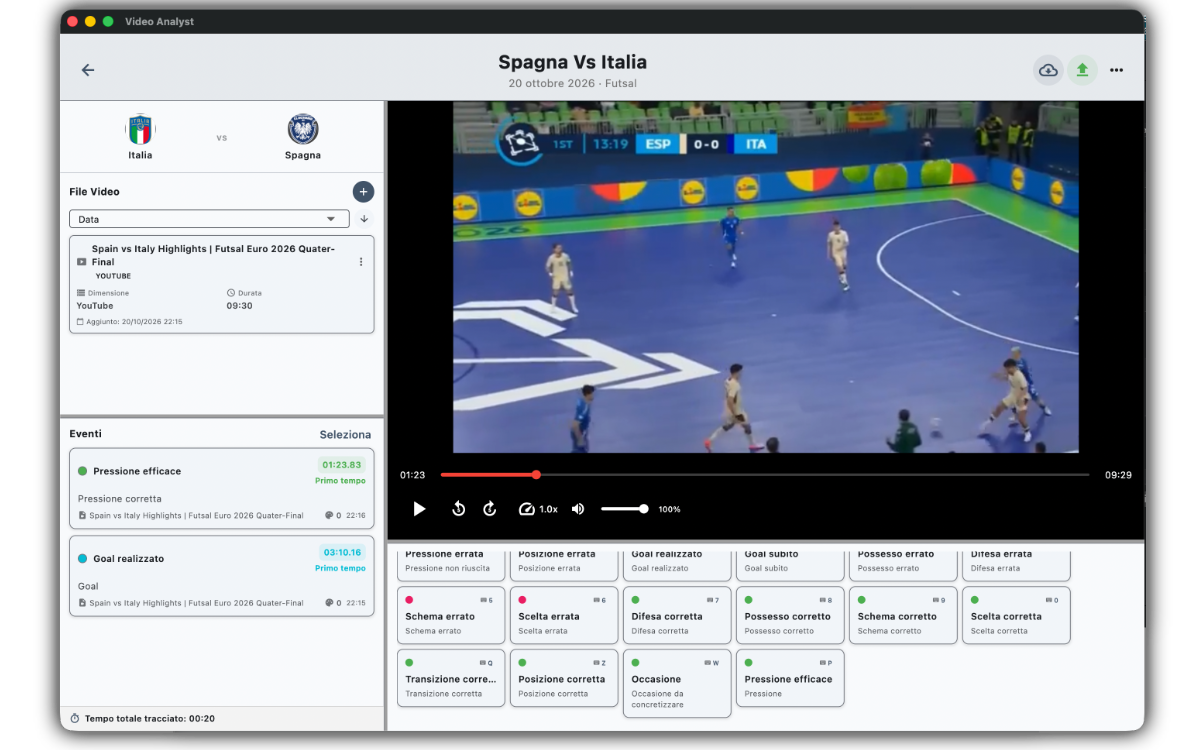
A desktop tool for coaches, athletes and clubs: import video, tag events, draw on the scene and prepare training sessions with the tactical board.
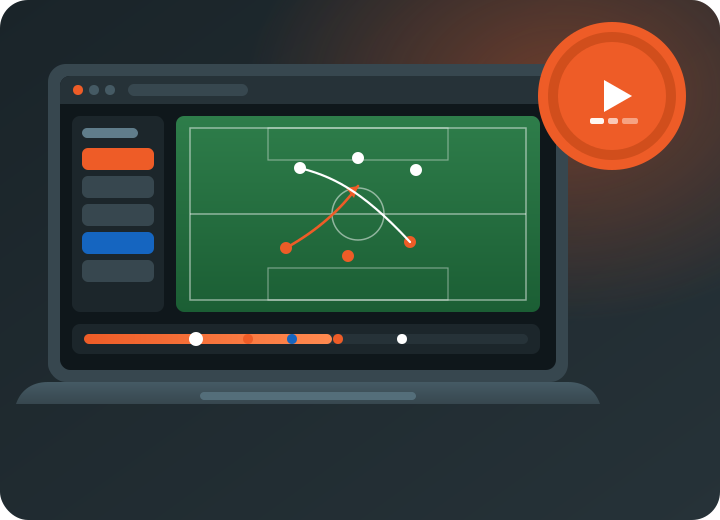
Video Analyst is built for everyday video-room work. It is not a generic editor: it is sports analysis software with workflows for tactics, performance and training planning.
Import footage from matches, training or individual sessions and work with an interface built for coaching staff. Play, review and compare decisive passages without switching to a generic editor.
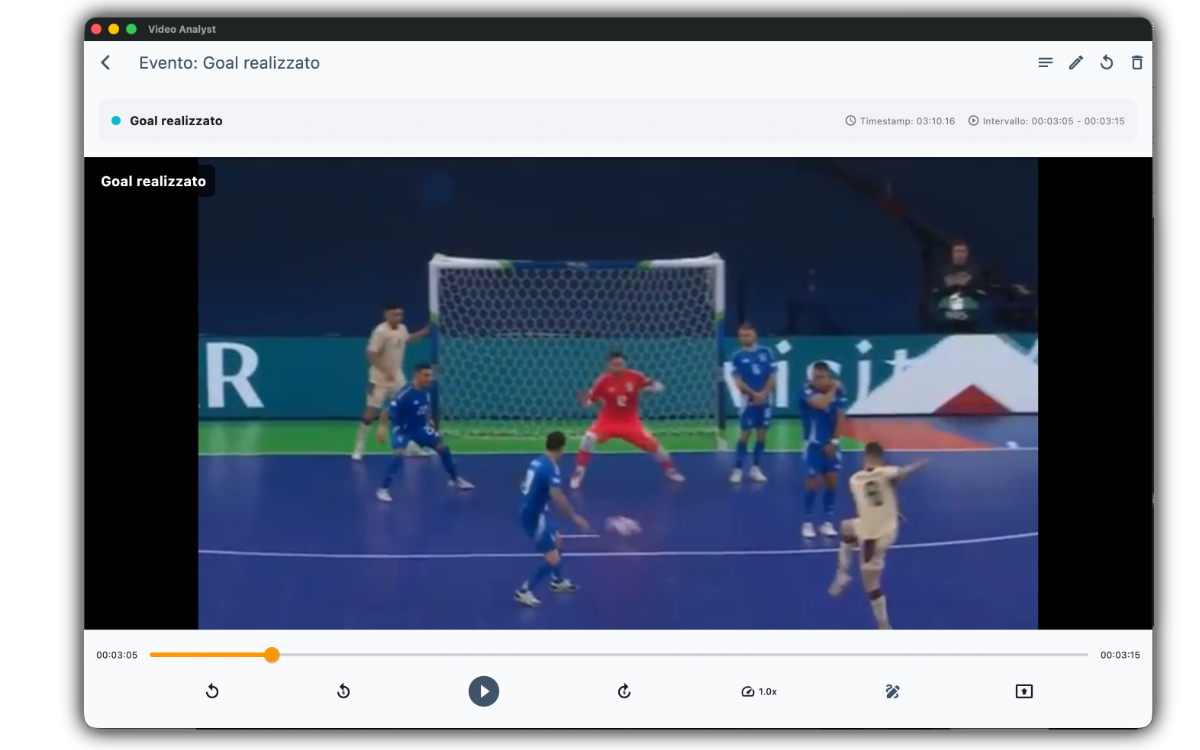
Tag actions, transitions and patterns as you review the video. Find in seconds what you want to show in a meeting, without scrubbing the entire recording.
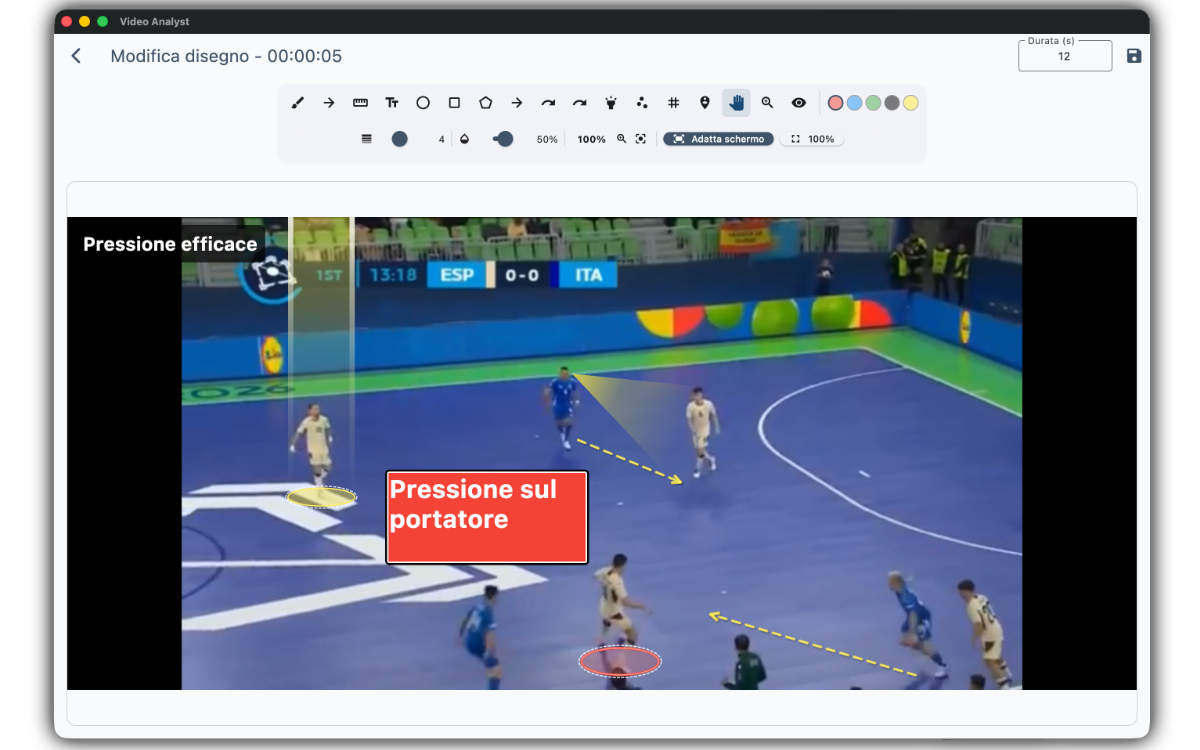
Draw on the scene to explain movement, space and corrections. Annotations stay linked to the video, ready to review with athletes and staff.
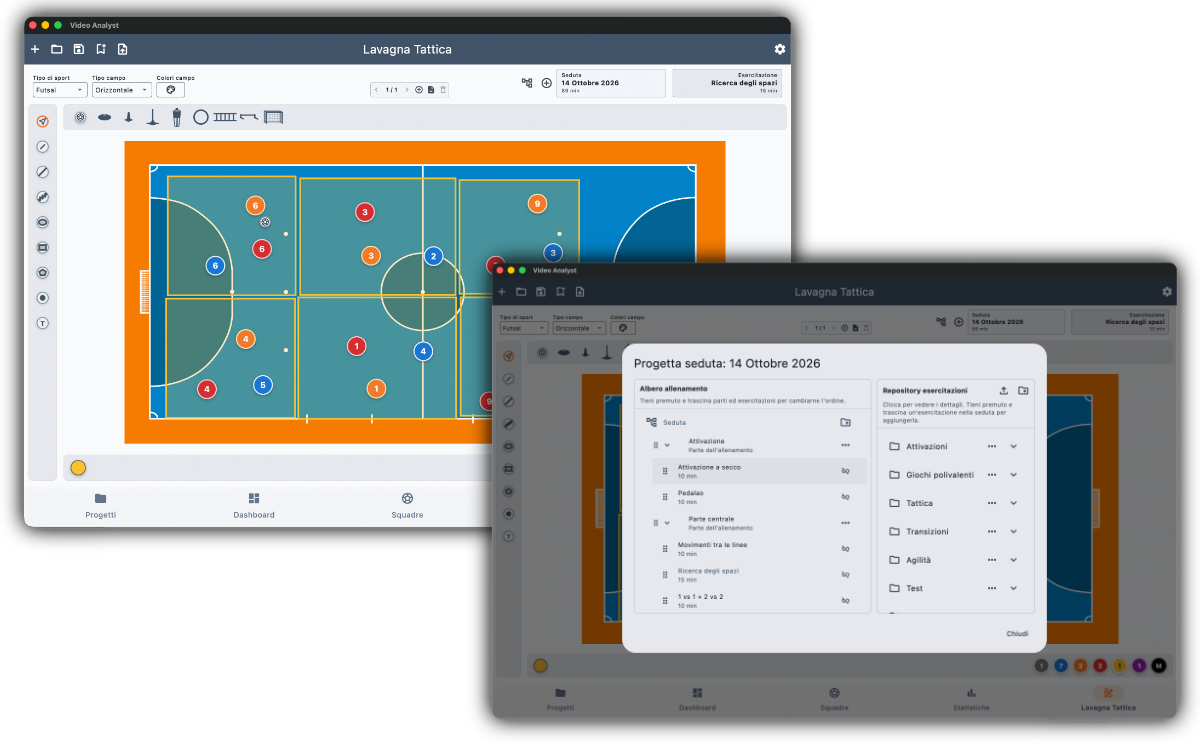
Video Analyst also includes a built-in tactical board for preparing training sessions. You do not need another tool: you use the same platform as the video room to draw schemes and organise the session.
On the board you explain drills, movement and how to occupy the pitch, so match analysis and training preparation stay connected. Drills can be saved in a library and reused when you prepare a session, without drawing them again. Staff arrive on the field with a clear plan, built from the video evidence.
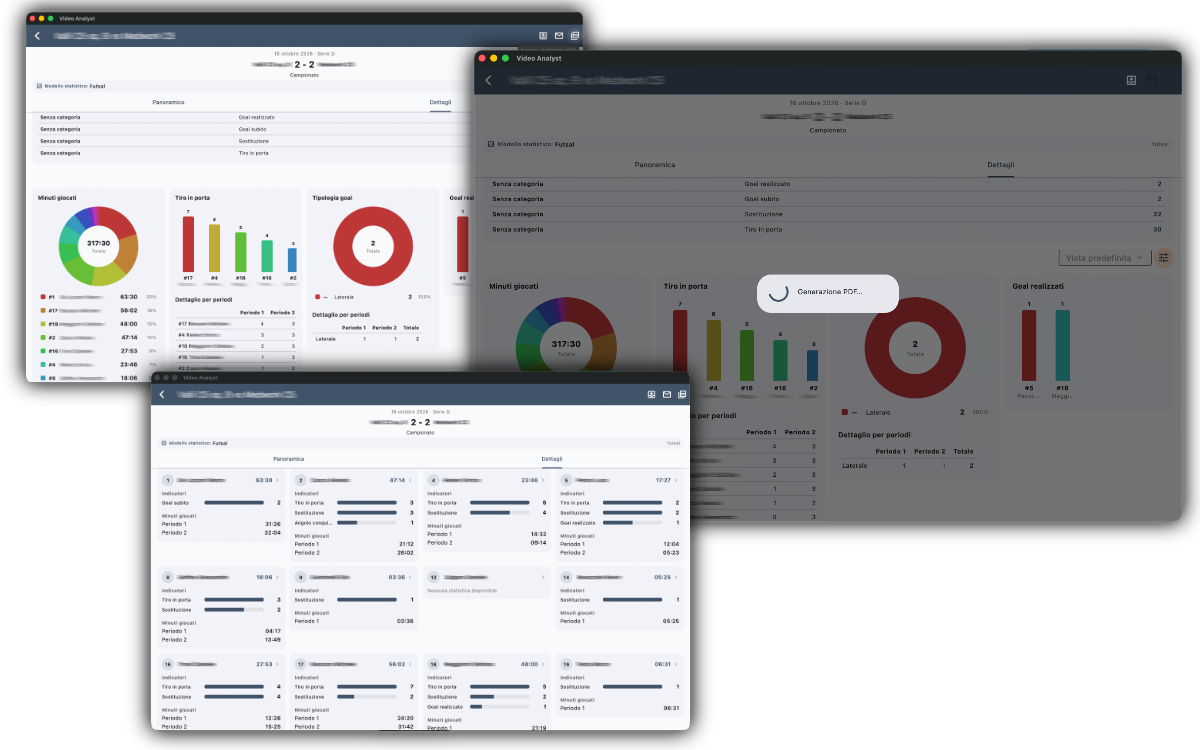
Export the analysis as PDF or CSV and share it with athletes, staff and management. Keyboard shortcuts for playback, events and drawing keep long sessions fast.
Available for macOS and Windows. Sign in to download the installer for your operating system.